
Florida Department of Financial Services
WCCS Workbench
Introduction
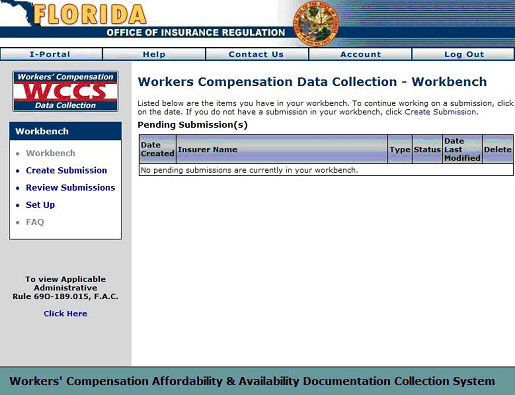
After logging on to WCCS the screen will display the WCCS Workbench; the central hub of the WCCS application. The WCCS Workbench displays any existing submissions you may be working on. Users can use the Workbench to continue working on existing submissions, or review previous submissions.
From the WCCS Workbench Task Bar you can also create new submissions, review submissions, and edit insurer contact information.
Note: First time users of WCCS will not see any data populating the Pending Submissions table. First time users should refer to the next two sections to begin filing data.
The WCCS Workbench
Next Step: