
Florida Department of Financial Services
Welcome to WCCS Help
Introduction
The Workers' Compensation Collection System (WCCS) was developed in the spring of 2005 to implement section 624.4315, F.S. and assist in the Office’s compliance with section 627.211(6), F.S., which required the Florida Office of Insurance Regulation to provide an annual report to the President of the Senate and Speaker of the House that evaluates competition in Florida's workers' compensation insurance market.
How to Use the User Supplement
This WCCS Manual is designed for OIR’s business users. This manual outlines running reports, reviewing submissions, and searching for specific submissions. People new to WCCS might benefit from reviewing the External User Manual to become more familiar with the application’s functionality.
Advanced users should feel free to use the topic tree or search field of the WCCS Help File to navigate to areas where help is most needed.
Topics addressed in this help system include:
You can access these topics at any point by clicking on the topic tree to your left.
Please note that the information contained in this help file was as accurate as possible at the time of writing. Some portions of the application may change slightly upon subsequent revision of the application.
Getting Started
If you already have an existing I-File account you can use your existing I-File User Name and Password to access WCCS. If you do not have an existing I-File account, you'll need to create a new account by clicking the Create a new account link in the WCCS Logon Task Bar (left side of the screen under the WCCS logo).
To log on to WCCS:
Enter your User Name.
Enter your Password.
Click the Log On button.
Note: Your WCCS User Name is the email address you specified when setting up your I-Portal/WCCS account.
The WCCS Welcome Screen
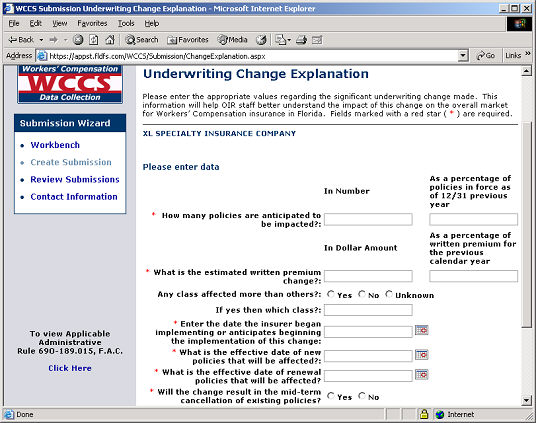
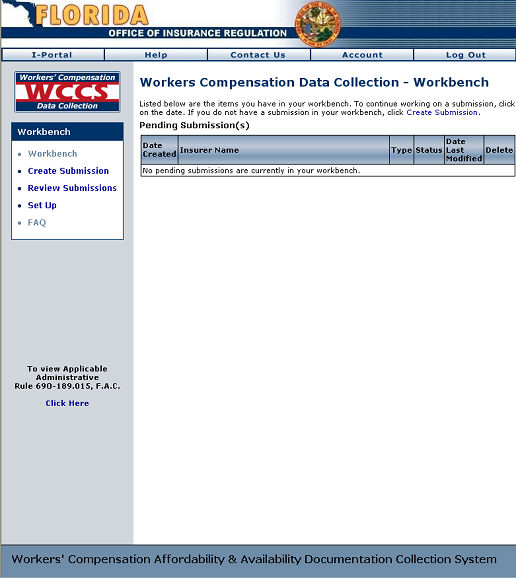
The first screen to display after logging on to WCCS is the WCCS Workbench.
Forget Your Password?
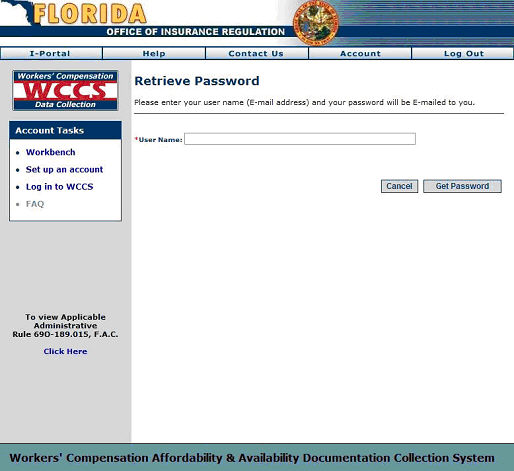
If you forget your password:
Click the Retrieve password link from the Welcome page.
Type in your email address in the User Name field.
Click the Get Password button. An email containing your password will be immediately sent to you.
The WCCS Password Retrieval Screen
Next Step: